
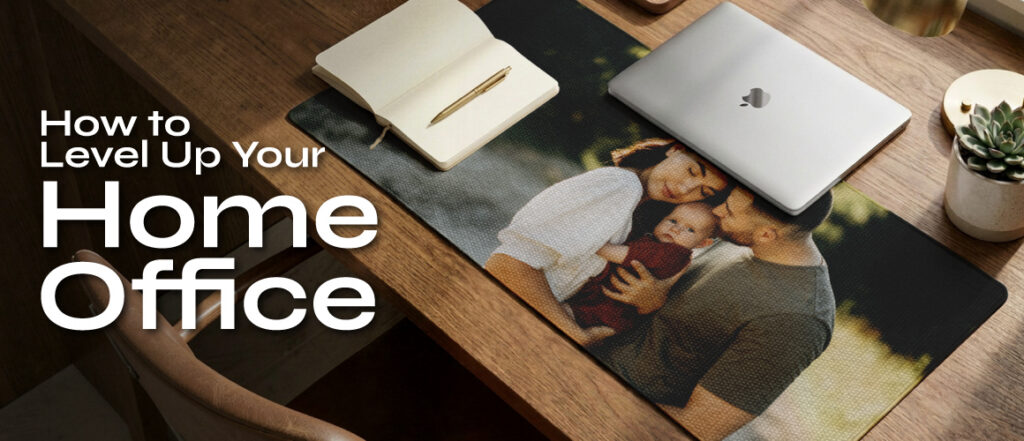
How to Level Up Your Home Office (Without a Full Renovation)
Working from home is no longer a temporary arrangement for most people, it’s the default. And yet, a surprising number of home offices still look exactly like they did on day one: a laptop on the kitchen table, a chair that was never meant for eight hours of use, and a general vibe of “this is fine… I guess.”
The good news? You don’t need a contractor, a big budget, or a dedicated room to build a workspace that actually feels good to be in. These are the upgrades that make the biggest difference, and most of them you can do this weekend.
1. Start with the Desk Surface
Your desk is ground zero. Everything else flows from it. If your surface is cluttered, scratched, or just uninspiring, it affects how you feel every time you sit down.
Before you buy a new desk, consider what’s already there and what’s missing. A few things that make an immediate difference:
- Clear the clutter. One incoming tray, one outgoing tray. Everything else goes in a drawer or off the desk entirely.
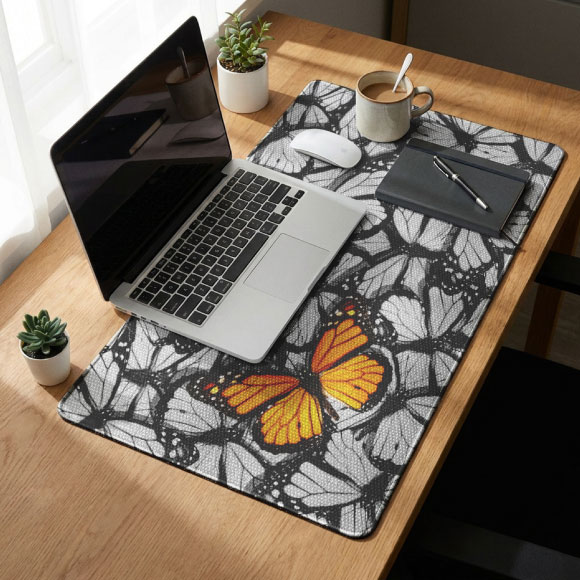
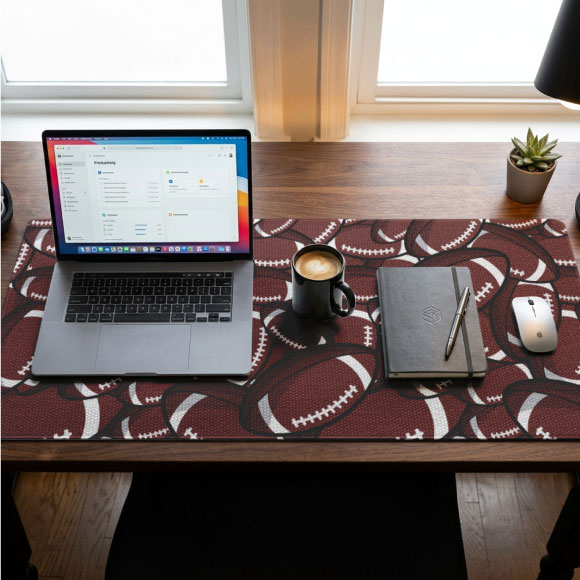
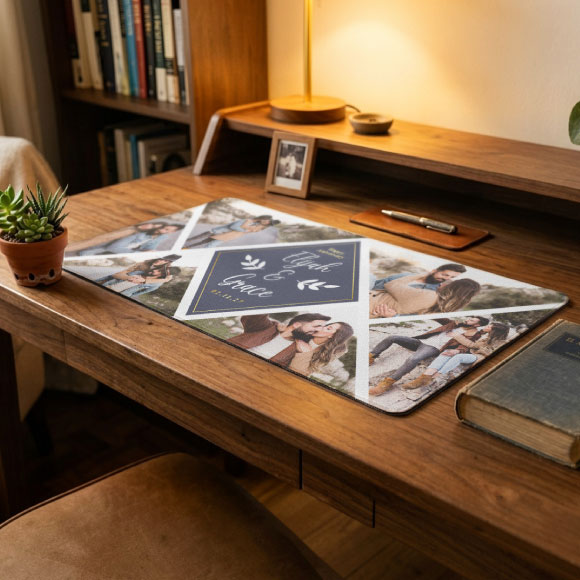
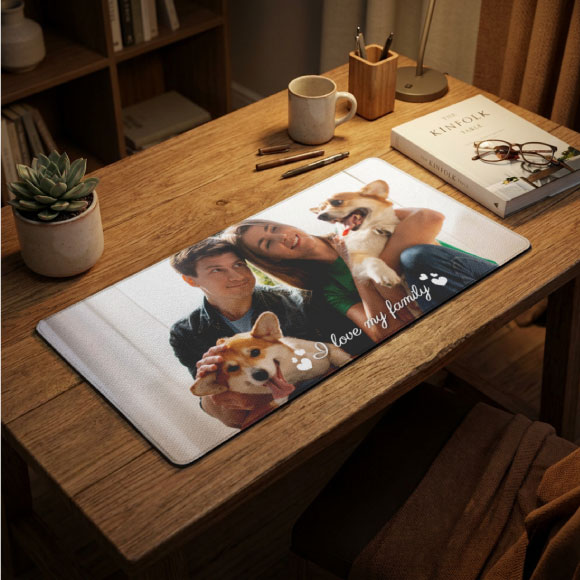
- Add a surface protector. A quality desk mat protects your desk from scratches, gives your mouse a smooth consistent surface, and, this part matters, makes the whole setup look intentional and put-together. If you want something that reflects your personality or brand, a custom desk mat printed with your logo, a pattern you love, or even a simple solid color goes a long way toward making a space feel designed instead of assembled.
- Cable management. A small cable clip or under-desk tray eliminates 80% of visual noise instantly.
A clean, protected surface isn’t just aesthetic, it signals to your brain that this is a work space, which actually helps with focus.
2. Get the Lighting Right
Bad lighting is the silent productivity killer. If you’re squinting at your screen, getting headaches by 2pm, or looking washed out on video calls, the light is probably the problem.
Natural light first. Position your desk so the window is to your side, not behind you (glare on screen) and not in front of you (glare in your eyes). If natural light isn’t an option, a decent LED desk lamp with adjustable color temperature is a $30-$50 fix that changes everything.
For video calls specifically: a small ring light or a lamp positioned in front of you makes you look significantly more professional. Your colleagues will notice, even if they don’t say so.
3. Invest in the Chair Before Anything Else
If you’re going to spend money on exactly one upgrade, spend it here. An ergonomic chair with lumbar support and adjustable height and armrests is the difference between ending the day feeling okay and ending it with back pain.
You don’t have to spend thousands. Mid-range options from brands like Autonomous, Branch, or even a used Herman Miller will serve you better than a brand-new budget chair every time.
The rule of thumb: your feet should be flat on the floor, your knees at 90 degrees, and your screen at eye level. If any of those three are off, adjust accordingly.
4. Control What You Can Hear
Open-plan apartments and houses with kids or roommates are real. You can’t soundproof your life, but you can manage what reaches your ears.
- Noise-canceling headphones are the single most effective productivity tool for home workers in noisy environments. Even entry-level ANC headphones make a significant difference.
- A white noise machine or app helps with unpredictable background noise, construction outside, deliveries, neighbors.
- Acoustic panels, if you’re on video calls constantly and sound quality matters, are more accessible than they look. Fabric-wrapped panels can even double as wall decor.
5. Make Your Input Devices Work for You
Your keyboard and mouse are what you actually touch all day. They’re worth thinking about.
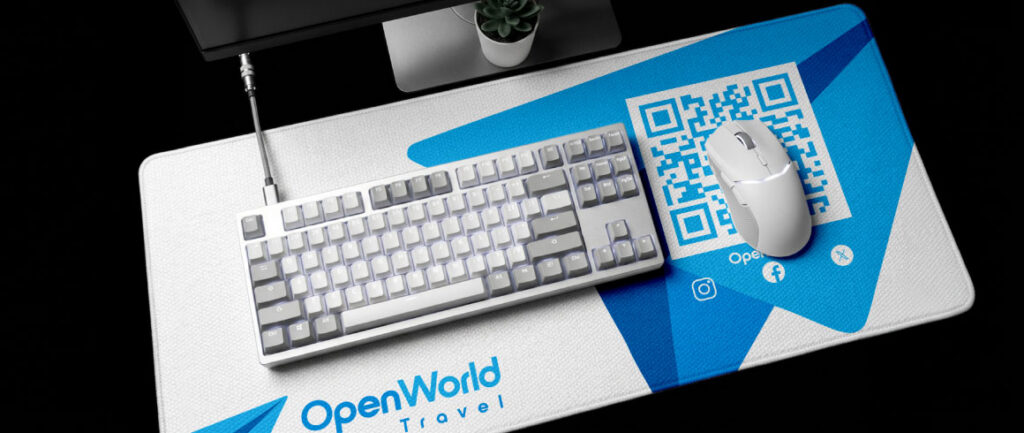
A mechanical keyboard with a switch weight that suits your typing style reduces fatigue. A vertical mouse, if you deal with wrist pain, can be a genuine game-changer. And the surface those devices sit on? It matters more than most people realize.
A dedicated mouse pad, especially one that covers your full keyboard-and-mouse area, keeps movement consistent and prevents your mouse from wandering onto rough desk surfaces. If your setup has a particular vibe (minimal, bold, branded), a custom mousepad lets you carry that design all the way to the accessories level. It’s a small thing that reads as thoughtful.
6. Bring In Something That Isn’t Work
The best home offices have at least one element that has nothing to do with productivity: a plant, a piece of art, a small shelf of books, a lamp with a warm bulb. Something that signals this is my space and not just this is where I grind.
It sounds soft but the research backs it up, environments that feel personally meaningful reduce stress and increase how long you can sustain focus. You’re not decorating for Instagram. You’re decorating for yourself, which is the point.
7. Build Rituals Around the Space
The best setup in the world won’t help if you’re blurring the lines between work and not-work. The physical environment sets the stage, but the rituals seal it.
- A start routine: open your laptop, make coffee, review your task list. Same order, every day.
- A shutdown routine: close your tabs, write tomorrow’s first three tasks, close the laptop. Done.
- A visual cue for “not working”: closing a door, turning off the desk lamp, even flipping your laptop closed all signal to your brain that the work session is over.
The home office that actually works isn’t the most expensive or most aesthetic one, it’s the one you’ve made yours.
Quick Wins Summary
Here’s the short version if you’re deciding where to start:
| Upgrade | Impact | Cost |
| Desk mat / surface protector | High | Low–Medium |
| Ergonomic chair | Very High | Medium–High |
| Desk lamp with color temp control | High | Low |
| Noise-canceling headphones | High | Medium |
| Custom mousepad | Medium | Low |
| Cable management | Medium | Low |
| Plant or personal decor element | Medium | Low |
FAQ
Q: What’s the most impactful home office upgrade you can make? The chair. Most people skip it, and most people regret it. If you’re spending 6, 8 hours a day at a desk, an ergonomic chair with proper lumbar support pays for itself in avoided back pain within the first month.
Q: Do desk mats really make a difference? Yes, both practically and aesthetically. A desk mat protects your surface, gives your mouse a consistent glide, and makes the whole setup look more intentional. For people who want something personalized, a custom-printed desk mat (like a 35″ × 15″ sublimation-printed mat from CoolieNation) adds a branded or personal touch that a generic black pad doesn’t.
Q: How do I make my home office look more professional on video calls? Three things: light in front of your face (not behind you), a clean background, and a tidy desk surface. You don’t need a ring light, even a window positioned correctly works. A desk mat pulls the foreground together and looks sharp on camera.
Q: What’s a good desk setup for small spaces? Compact and intentional beats big and cluttered every time. A monitor arm frees up surface space, a vertical laptop stand keeps your screen at eye level, and a compact keyboard-and-mouse combo (with a matching mousepad) keeps the footprint tight. Check out custom mousepads if you want something that fits a smaller desk without looking generic.
[contact-form-7 id=”7d9bf86″ title=”Product contact Form”]